Solutions
One agent platform across the lifecycle of a build — from the first bid to the final closeout packet.
Bidding
Turn RFPs into accurate, on-time bids — takeoffs, pricing, and proposals assembled for you.
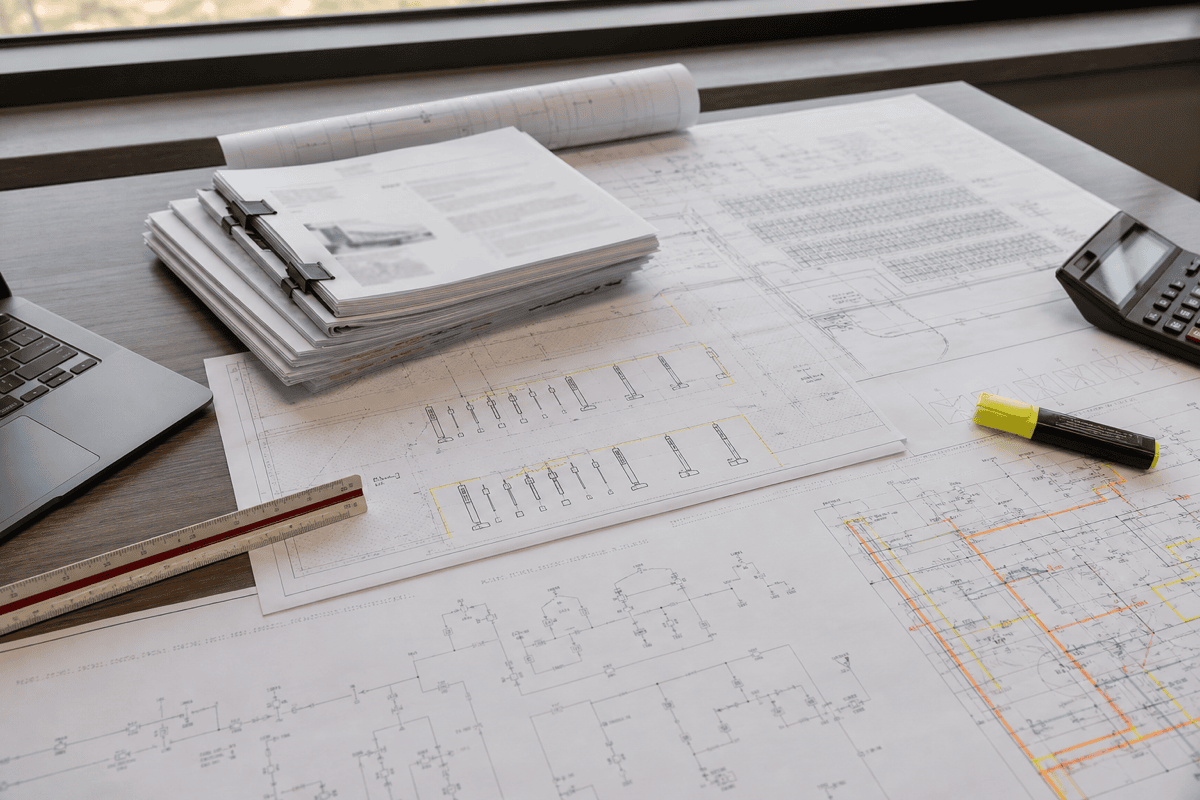
- Read RFPs and extract scope, specs, and submission requirements
- Perform quantity takeoffs from plans and drawings
- Price the job against your historical cost and vendor data
- Assemble a formatted, submission-ready proposal
How it runs
- Parses the RFP for scope, specifications, deadlines, and submission rules.
- Performs quantity takeoffs from the plan set and drawings.
- Prices labor and material against your historical costs and current vendor quotes.
- Drafts the proposal in the required format, ready for an estimator to review and send.
Permitting
Prepare, submit, and track permits across jurisdictions — and keep projects out of permit limbo.
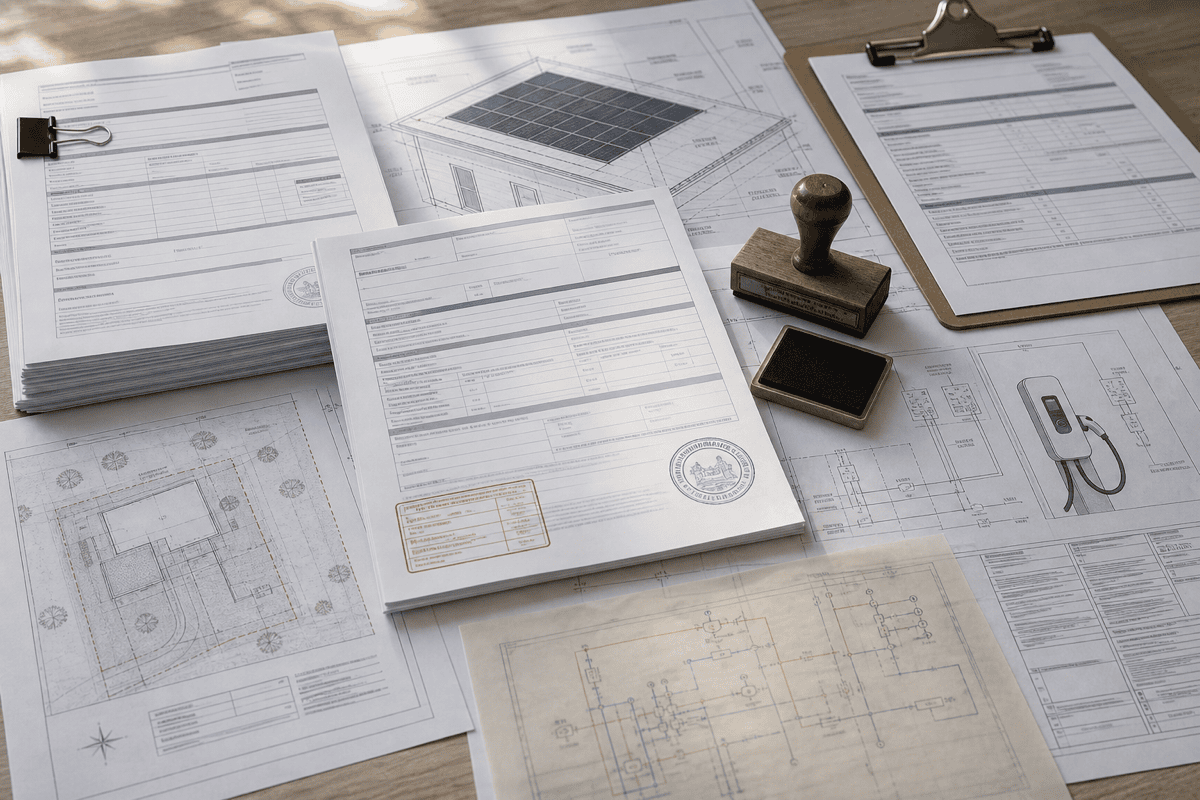
- Assemble applications to each jurisdiction's specific requirements
- Submit through the right portal or channel per AHJ
- Track review status and respond to correction notices
- Maintain a live view of permit status across every project
How it runs
- Determines the permits and documents each jurisdiction requires for the project.
- Assembles complete applications and submits them through the correct channel.
- Monitors review status and turns correction notices around quickly.
- Keeps a real-time view of where every permit stands across all active projects.
Purchase Order
Draft, route, and reconcile purchase orders with vendors — without the email back-and-forth.
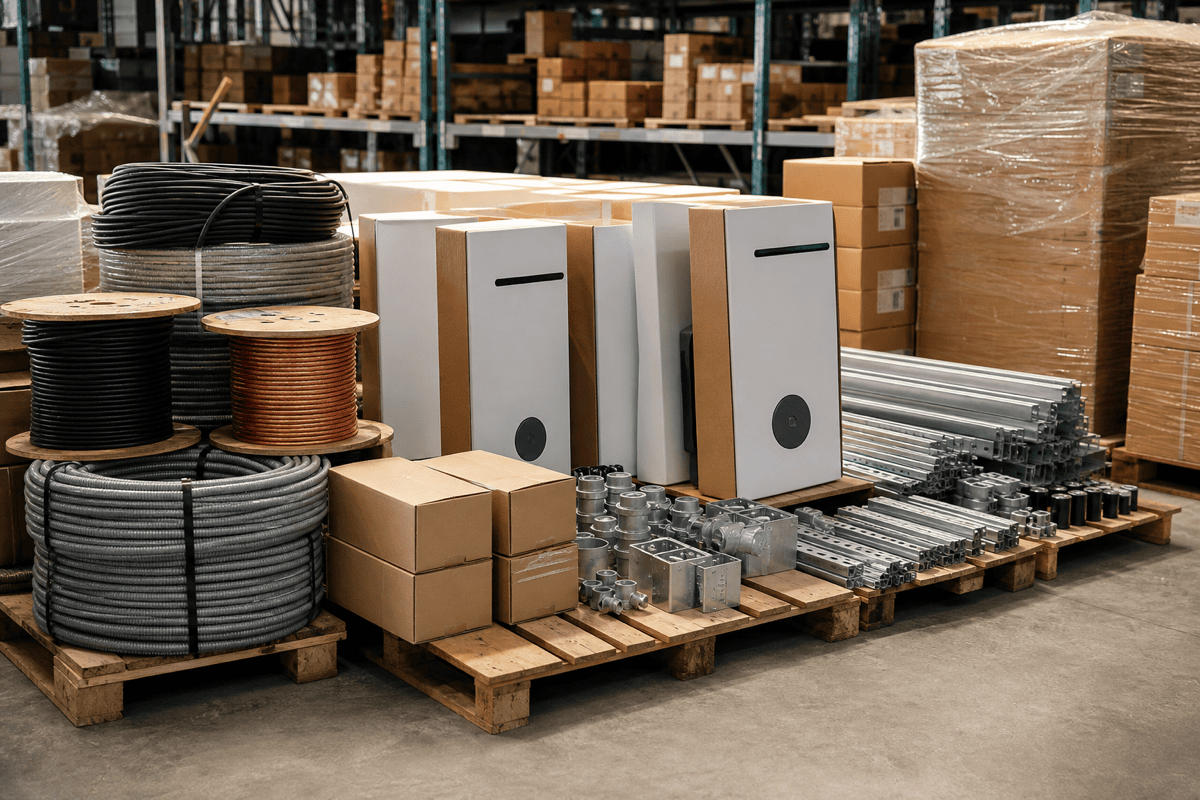
- Generate POs from the bill of materials and project schedule
- Route for approval and send to the right vendor
- Three-way match POs against deliveries and invoices
- Chase vendors on confirmations, ship dates, and discrepancies
How it runs
- Builds purchase orders from the bill of materials and the build schedule.
- Routes each PO for approval and issues it to the correct vendor.
- Follows up on order confirmations, ship dates, and backorders automatically.
- Performs a three-way match across PO, delivery, and invoice, and escalates only the true exceptions.
Field Data Capture
Turn photos, notes, and field forms into clean records in your system of record — automatically.
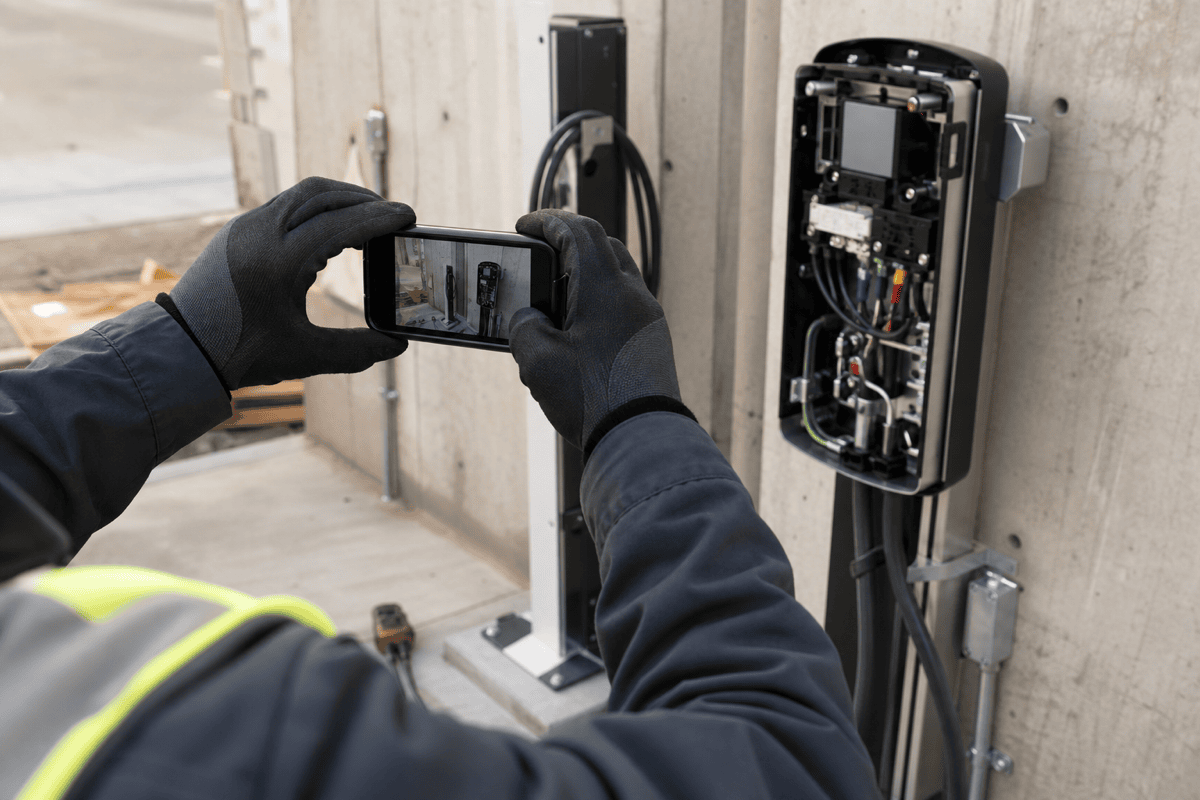
- Parse field photos, PDFs, and voice notes into structured fields
- Match captures to the right site, asset, and work order
- Flag missing, blurry, or non-compliant captures back to the crew
- Write validated records straight into your system of record
How it runs
- Ingests captures from the field as they happen — photos, forms, messages, and voice notes.
- Reads each capture, extracts the relevant fields, and identifies the site, asset, and work order it belongs to.
- Checks every capture against your requirements and pushes back to the crew when something is missing or unusable.
- Writes clean, validated records into your system of record so the source of truth is always current.
Commissioning (QC)
Run commissioning checklists and quality control on every install, and catch issues before sign-off.

- Drive commissioning checklists step by step on every install
- Verify test results and torque, voltage, and label evidence
- Detect defects and rework items from field photos and data
- Produce a complete, auditable QC record per asset
How it runs
- Walks each install through its commissioning checklist and required tests.
- Reads submitted evidence — photos, meter readings, test exports — and verifies it against spec.
- Flags defects, missing steps, and out-of-tolerance results as rework before sign-off.
- Compiles a complete QC record for every asset, ready for audit or warranty.
Close Out
Assemble and submit closeout packets — photos, sign-offs, and as-builts — without the end-of-job scramble.

- Collect closeout artifacts as work is completed, not at the end
- Format packets to each customer's exact submission spec
- Catch missing items before the packet is submitted
- Submit to portals and track acceptance to completion
How it runs
- Tracks the closeout requirements for each job and customer.
- Gathers photos, inspection sign-offs, as-builts, and warranty documents as they're produced.
- Assembles the packet in the required format and flags anything missing while the crew is still on site.
- Submits to the customer or permitting portal and follows the packet until it's accepted.
See these agents on your own workflow.
Book a call with our team to scope a deployment against your process and systems.
Looking for where these run today? See deployments.